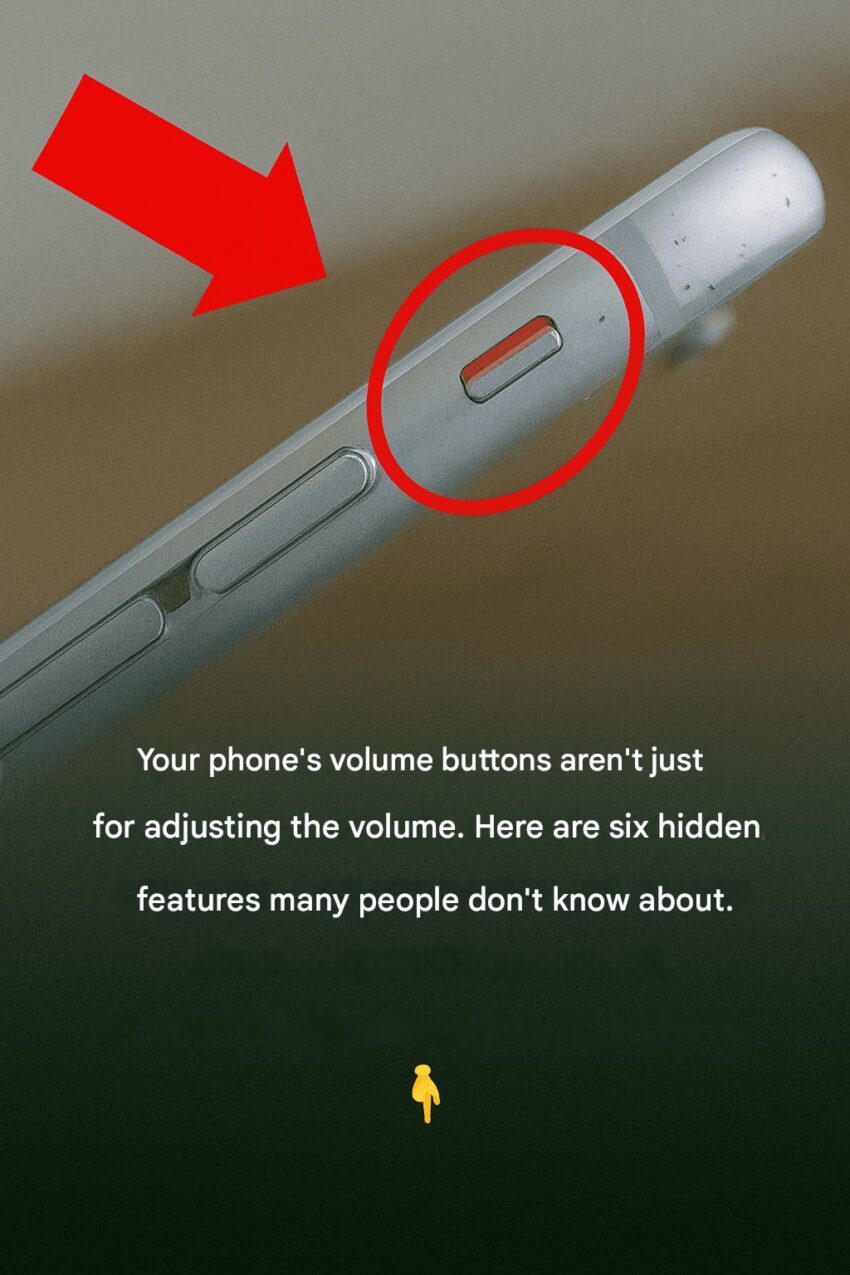
Smartphone volume buttons aren’t just for adjusting sound—they often have hidden or extended functionalities that can enhance usability. Here’s a detailed breakdown:
1. Media and Call Control
- Adjust media volume: Music, videos, and games.
- Adjust ringtone/notification volume: When no media is playing.
- Mute or silent toggle: On some phones, holding volume down silences the device.
2. Camera and Photography
- Shutter button: Press volume up/down to take a photo in the camera app.
- Zoom control: Some apps allow volume buttons to zoom in/out.
- Video recording: Start/stop recording or snap photos while recording.
3. Accessibility Features
- Assistive shortcuts: Some phones let you assign volume buttons to launch accessibility tools (e.g., magnifier, voice assistant).
- Hearing aids / sound amplification: Quick volume adjustments for hearing-impaired users.
4. Shortcuts and Custom Actions
- Take screenshots: Often combined with the power button (Volume Down + Power).
- Launch apps or functions: Some Android devices allow mapping long-presses or double-presses of volume buttons to apps or flashlight toggles.
- Control music playback: Skip tracks with certain apps when the screen is off.
5. Emergency and Safety
- Emergency SOS / Panic button: Press volume buttons in combination with power to trigger an alert on iOS or some Android phones.
- Accessibility gestures: Some phones let you hold both volume buttons to trigger accessibility shortcuts like VoiceOver or TalkBack.
6. Gaming and Productivity
- Button remapping: In gaming apps, volume buttons can be mapped as extra controls.
- Voice recording: Volume buttons can start/stop recording in certain apps.
In short, volume buttons can act as physical shortcuts for photos, screenshots, emergency signals, accessibility tools, and more—well beyond just changing audio levels.
If you want, I can make a table of iOS vs Android volume button functionalities, including all hidden tricks and shortcuts.
Do you want me to do that?
